 erkemoz

Anno 117: Pax Romana v1.1
Ubisoft Connect · Steam
Keep the game language set to English and the text appears in Turkish. The game's font lacks ğ, ı, İ and ş, so they are written as g, i, I and s.
No-installer package (zip) →
Free Turkish translation patch (Türkçe yama): installs with one click and never connects to the internet.
Keep the game language set to English and the text appears in Turkish. The game's font lacks ğ, ı, İ and ş, so they are written as g, i, I and s.
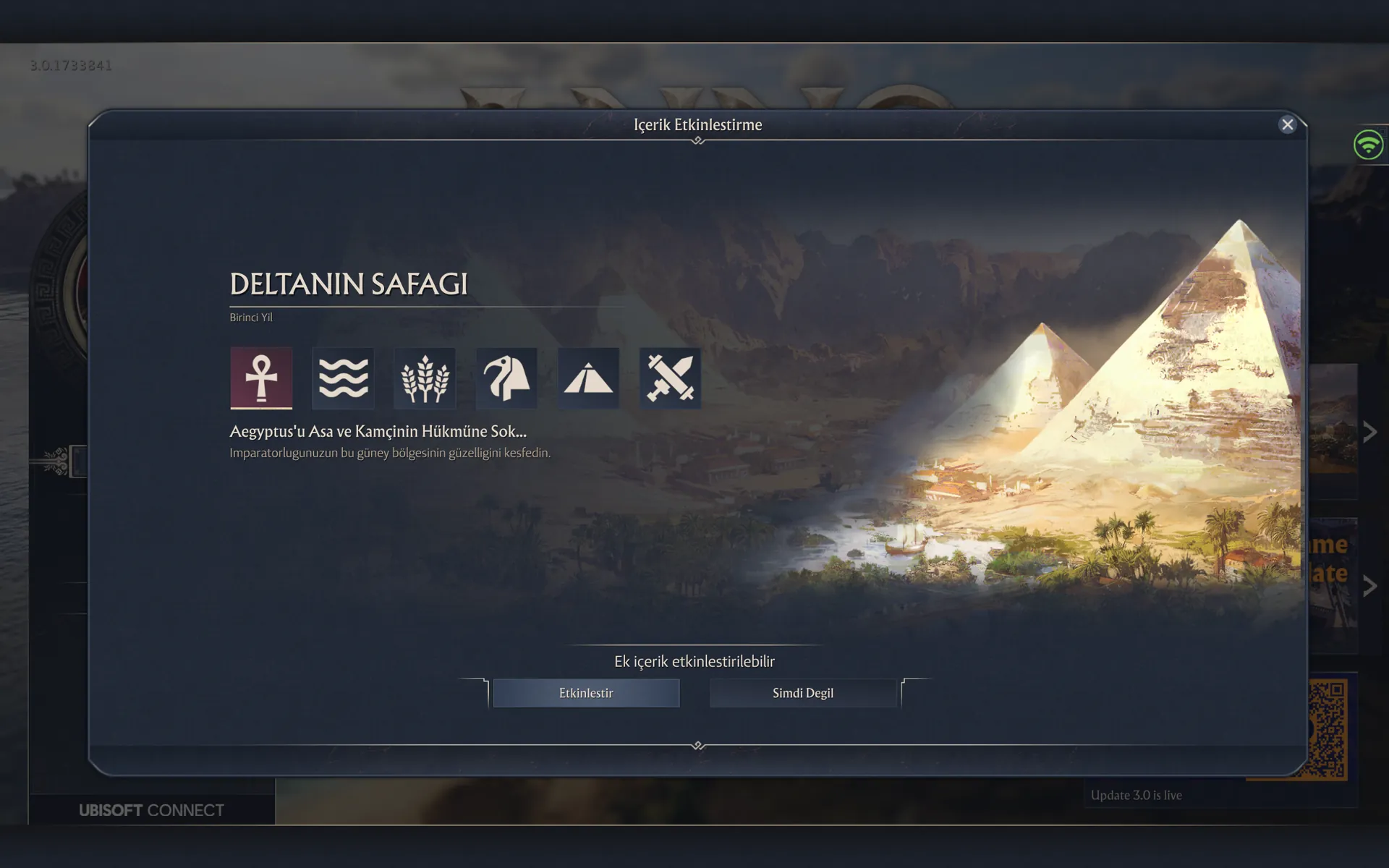
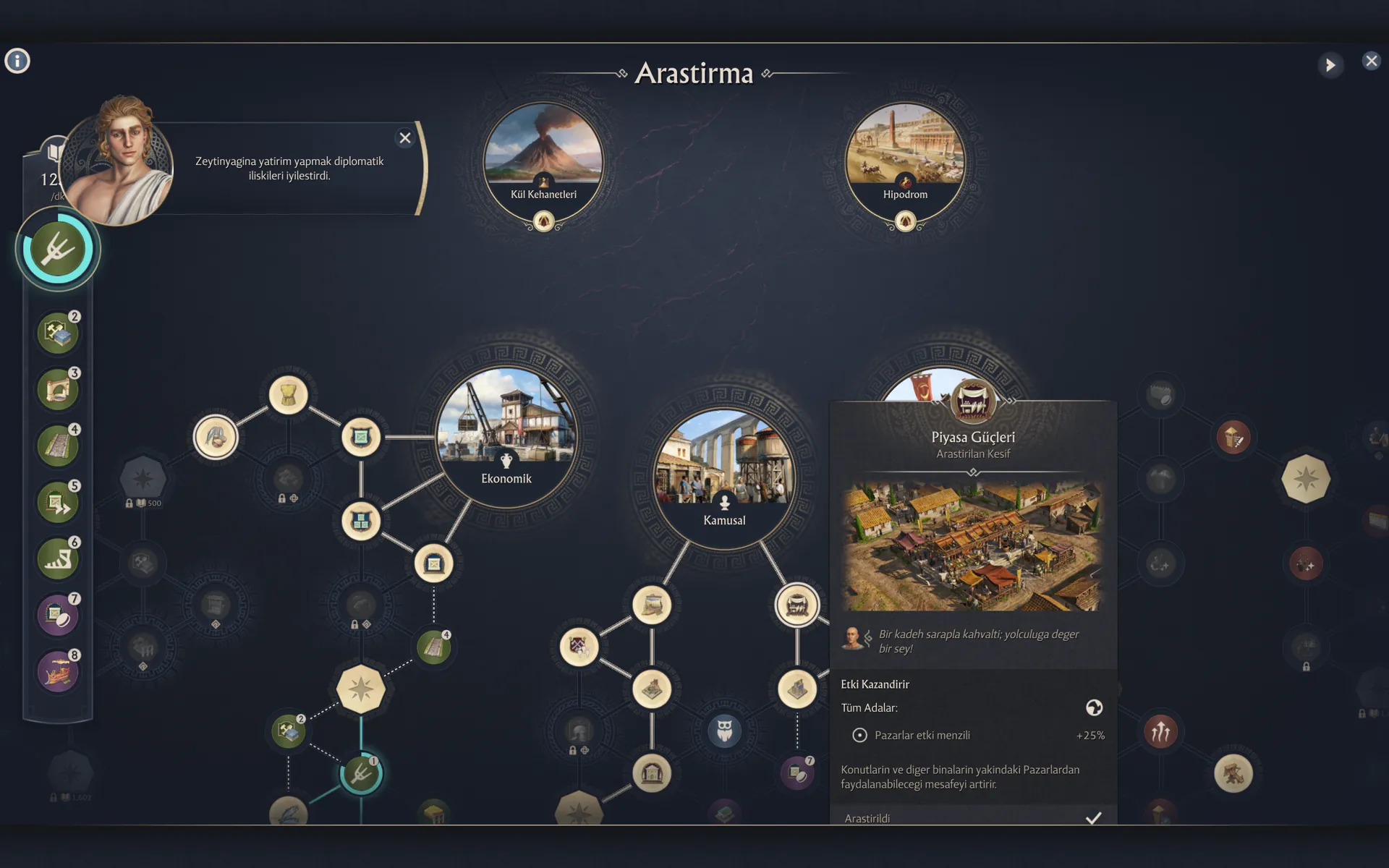
No-installer package (zip) →A free, complete Turkish translation of Anno 117: Pax Romana, done from scratch. It covers the game's 70,202 text lines: menus, quests, dialogue, the research tree, notifications and the Dawn of the Delta expansion.
The patch runs through the game's mod loader: it's added to the mods folder as a separate mod, without touching the game files. Keep the game language on English and the texts appear in Turkish.
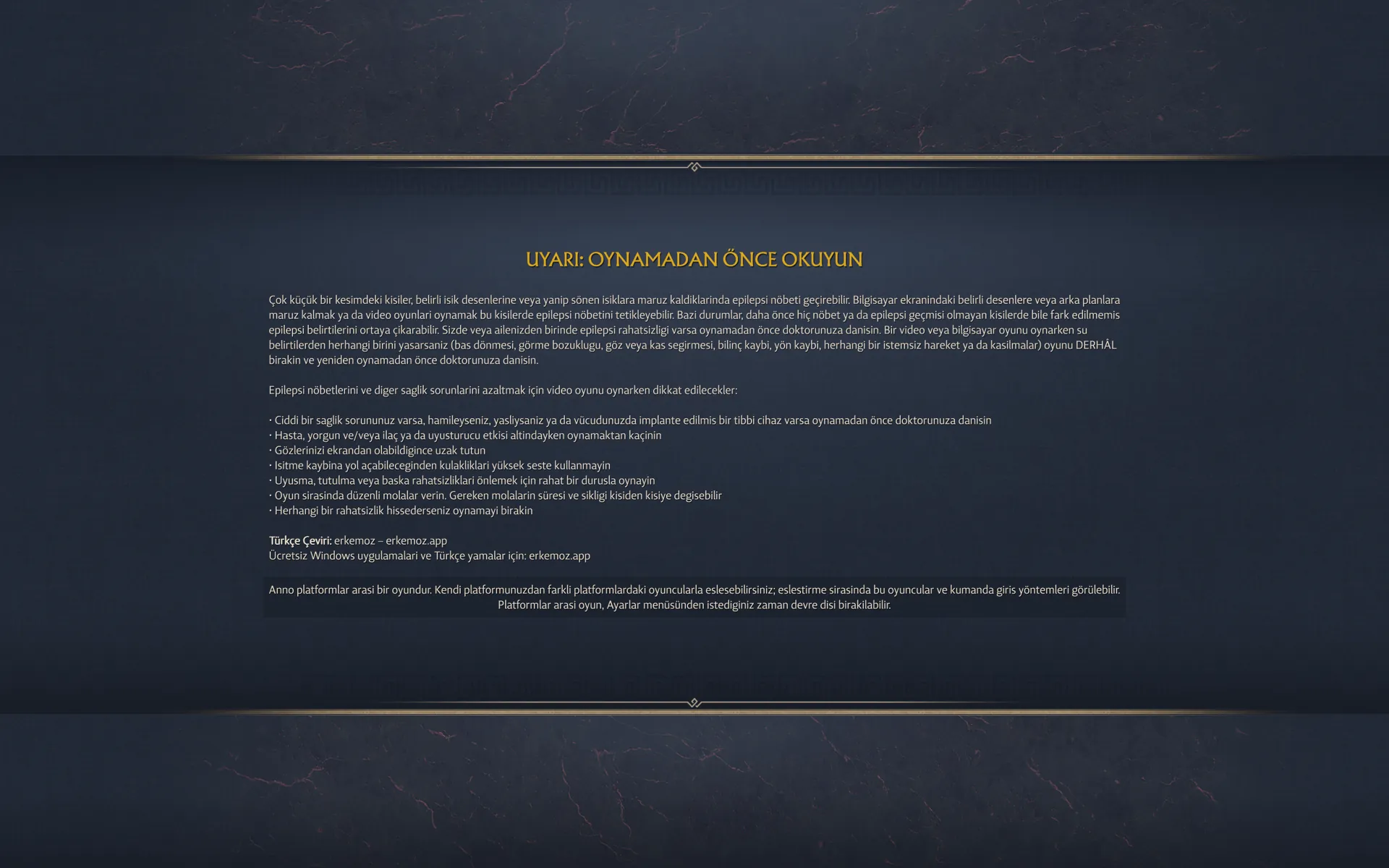
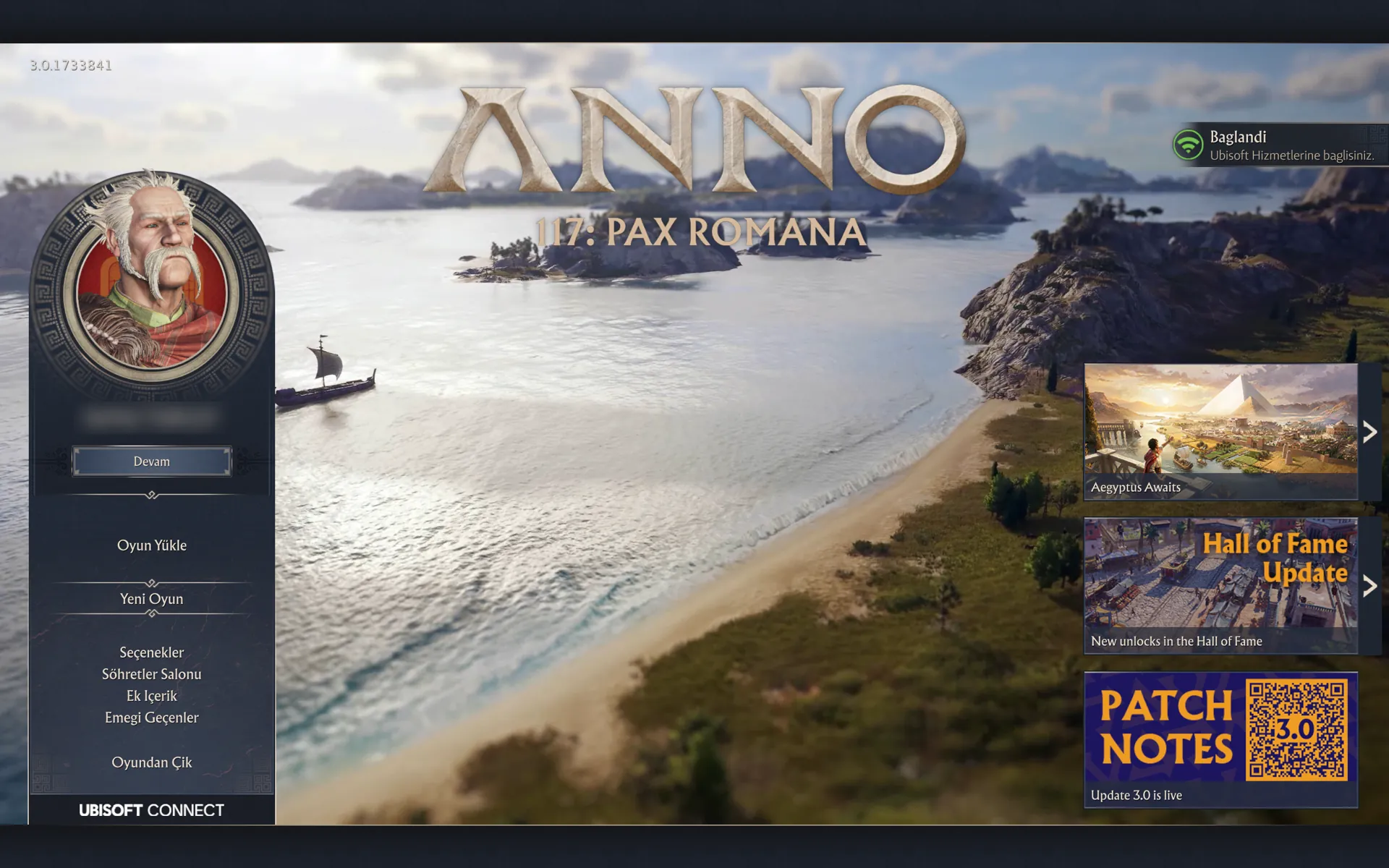
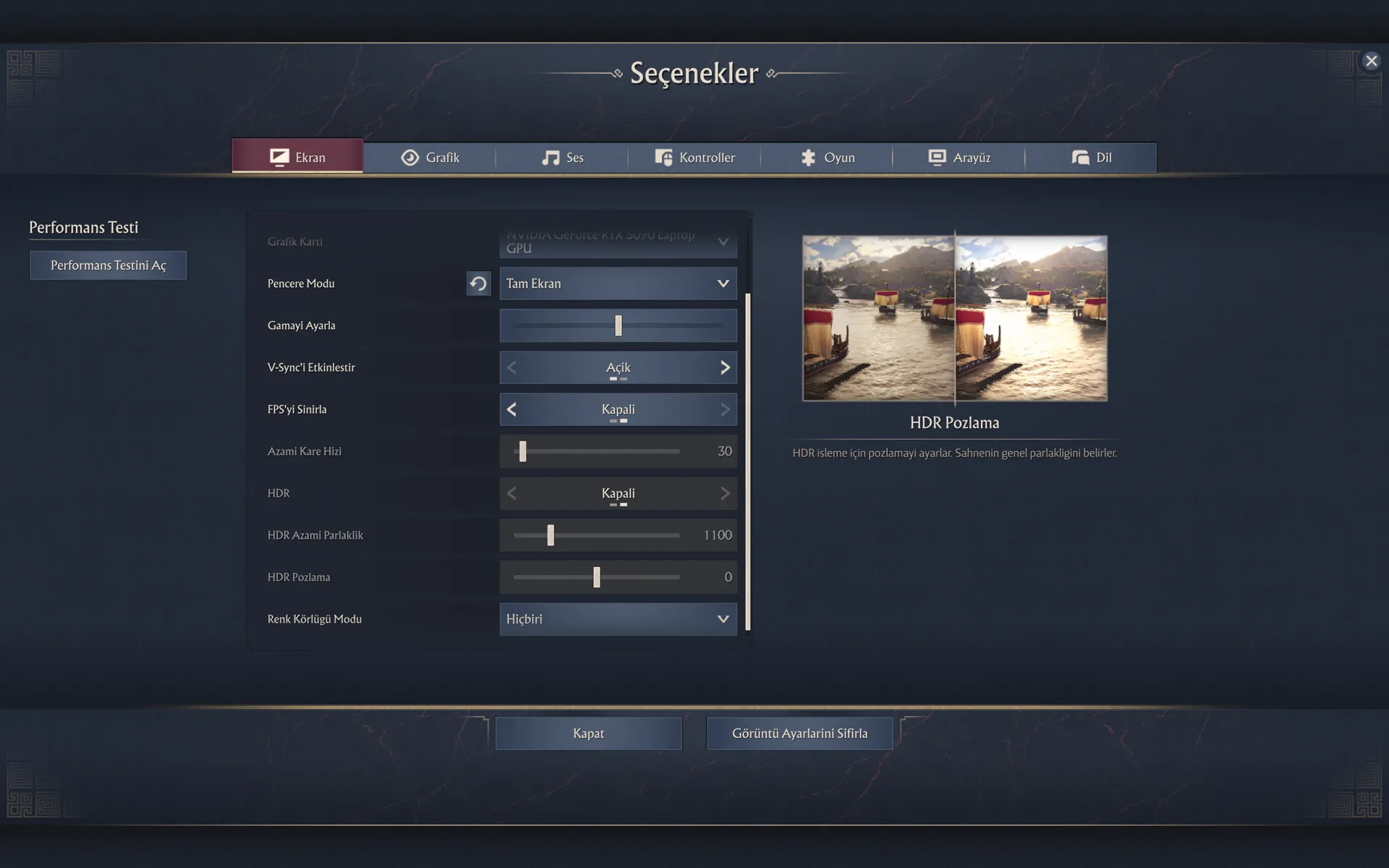
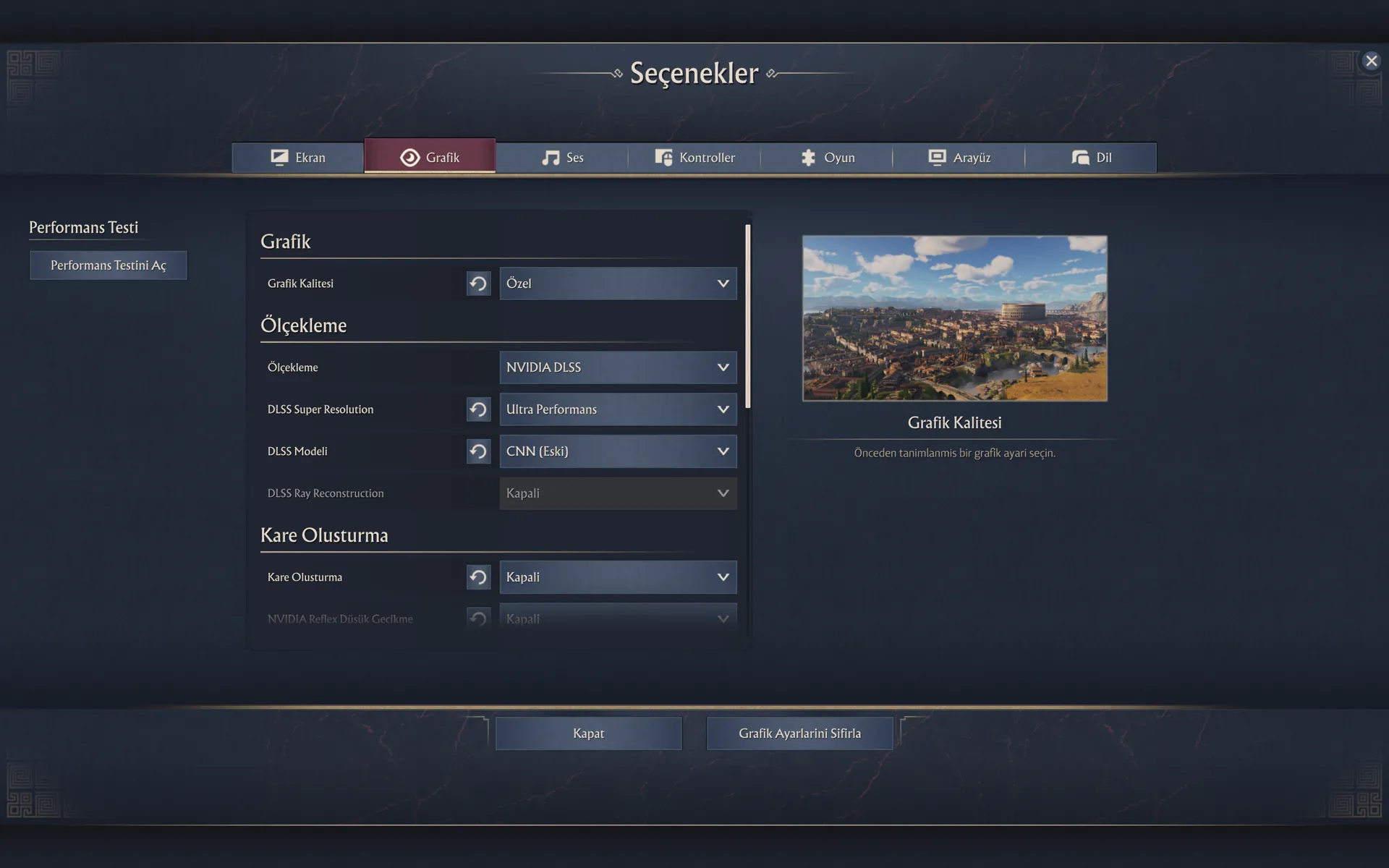
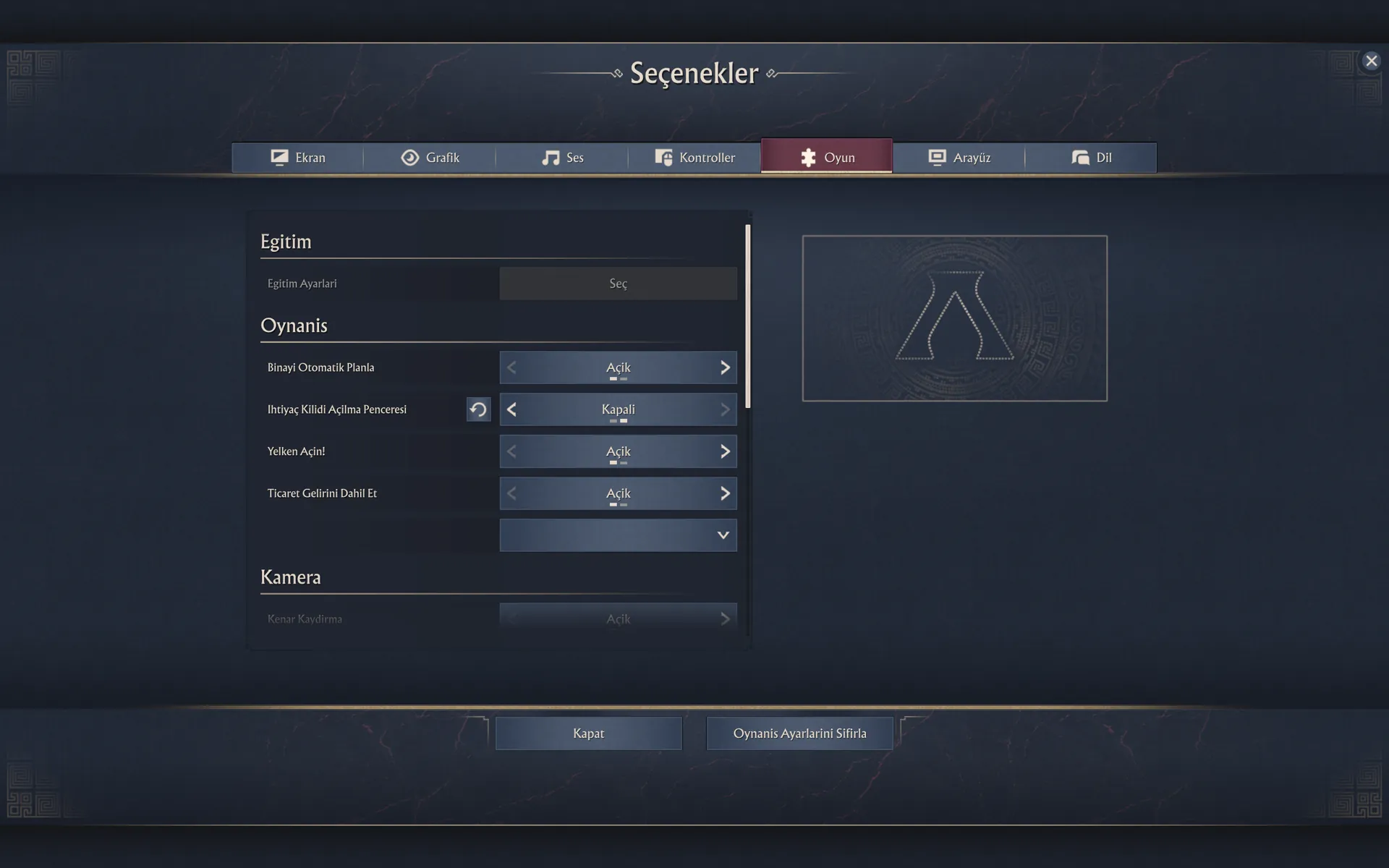
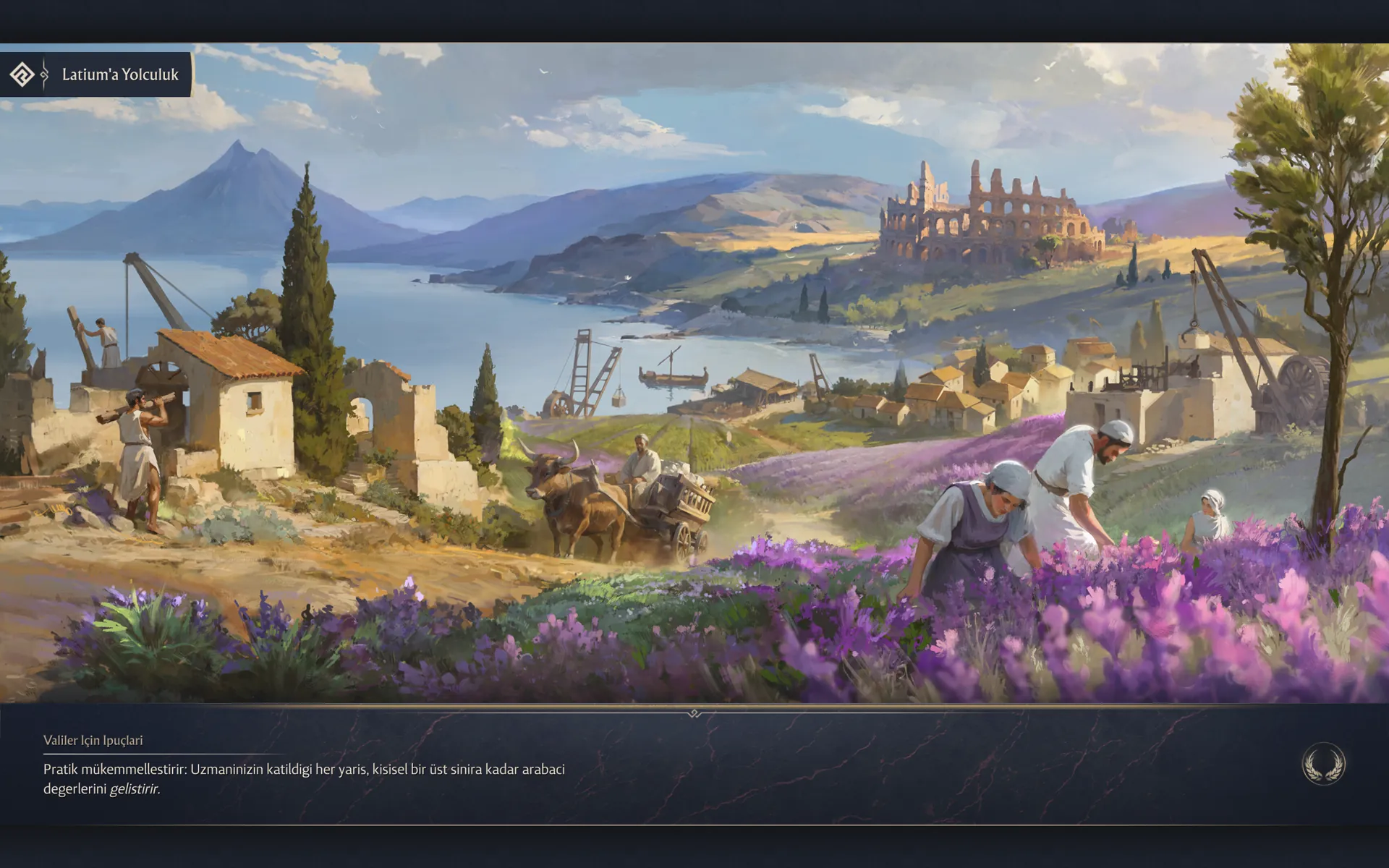
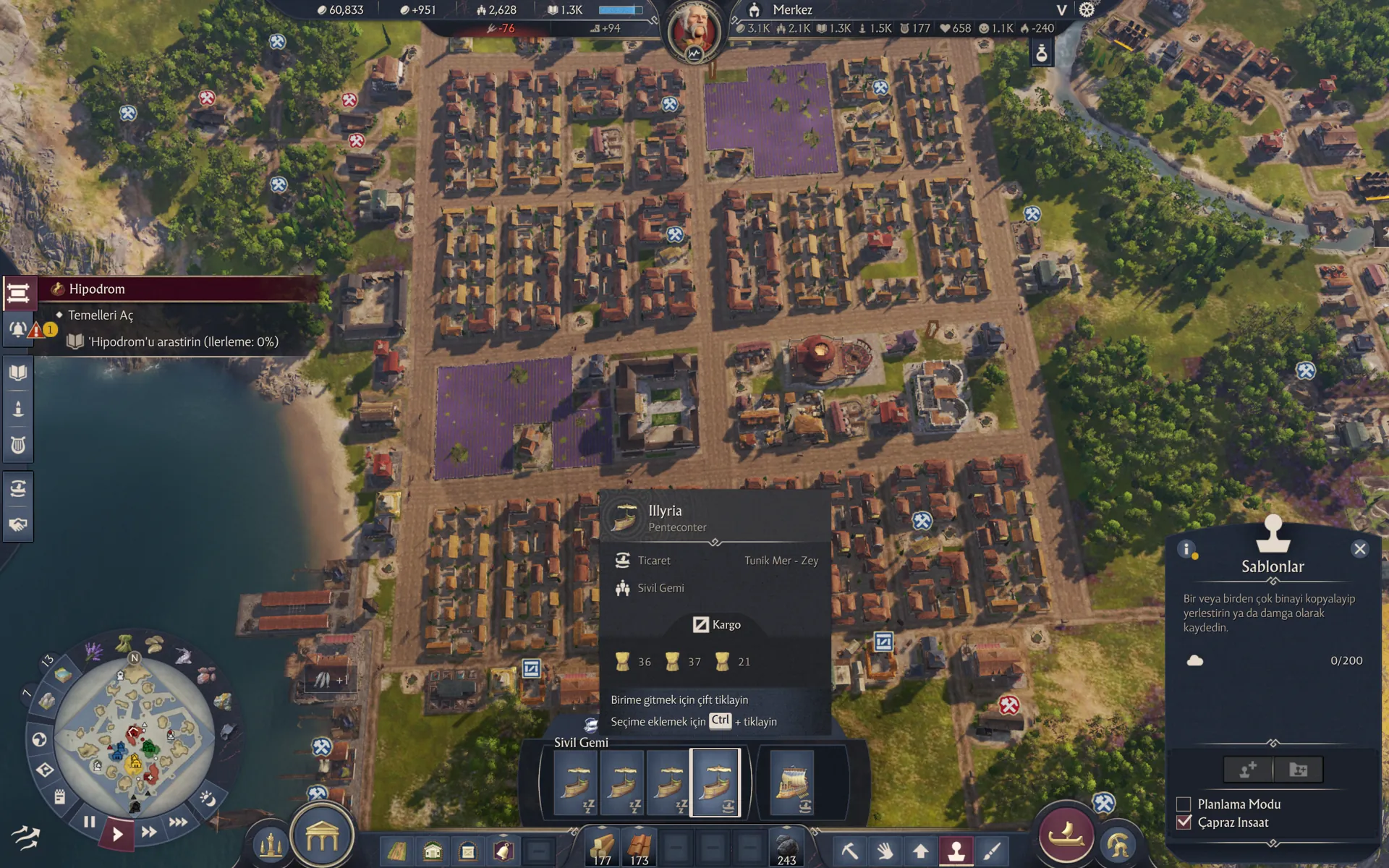
Captured in the game with the patch installed. Click to enlarge.
The game's font has no ğ, ı, İ or ş, so these letters are written as g, i, I and s.
No. Keep the game language on English; the patch replaces the English text with Turkish.
Yes. The installer finds the game in Ubisoft Connect and Steam by itself. With the package without installer, just copy the “TurkceYama-erkemoz” folder into the game's mods folder.
The two patches change the same texts, so they conflict. Delete the old patch from the mods folder, or disable it by putting a “-” in front of its folder name. Erkemoz - Game Mods warns you on the game's card if it finds such a conflict.
Windows SmartScreen shows this warning because the installers aren't signed with a paid code-signing certificate. Click “More info → Run anyway”. If you like, compare the file's SHA-256 fingerprint with the one in the release notes on GitHub.
Erkemoz - Game Mods. It installs new versions by itself; if a game update breaks a patch or panel, it sets it aside and reinstalls it once a compatible version is out. If you downloaded it manually from this page, check back here for new versions.
Write to [email protected]. A screenshot makes the problem easier to find; fixes are published in a new version.
Remove it from Control Panel. If you installed without the installer, just delete the “TurkceYama-erkemoz” folder from the mods folder.

They're free and will stay free. If one saved you some time, you can buy me a coffee — it helps keep new programs coming.