Skip to content
erkemozerkemoz.app
← Game Patches, Mods & Cheats

Farthest Frontier Turkish Patch

Free Turkish translation patch (Türkçe yama): installs with one click and never connects to the internet.

About

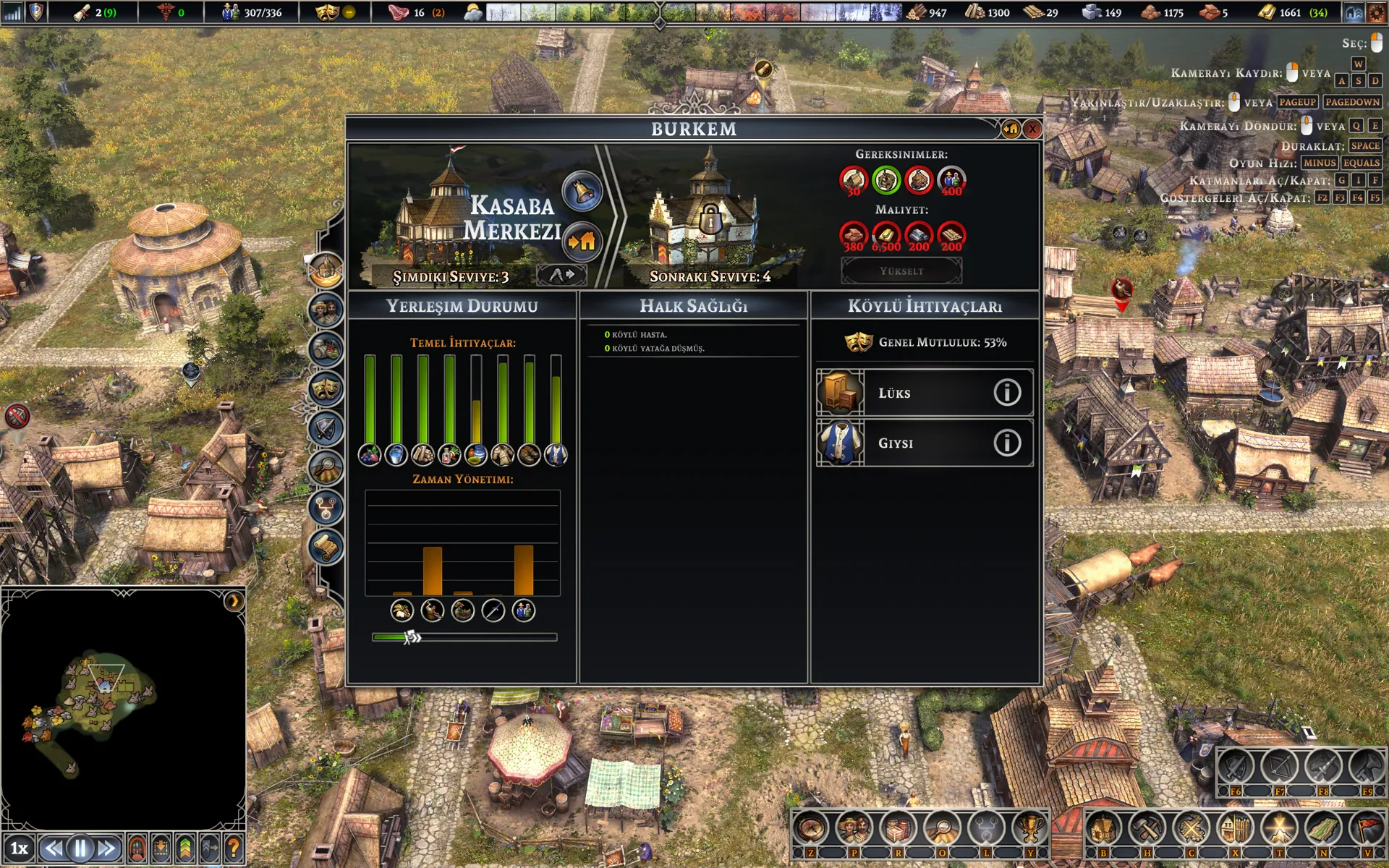
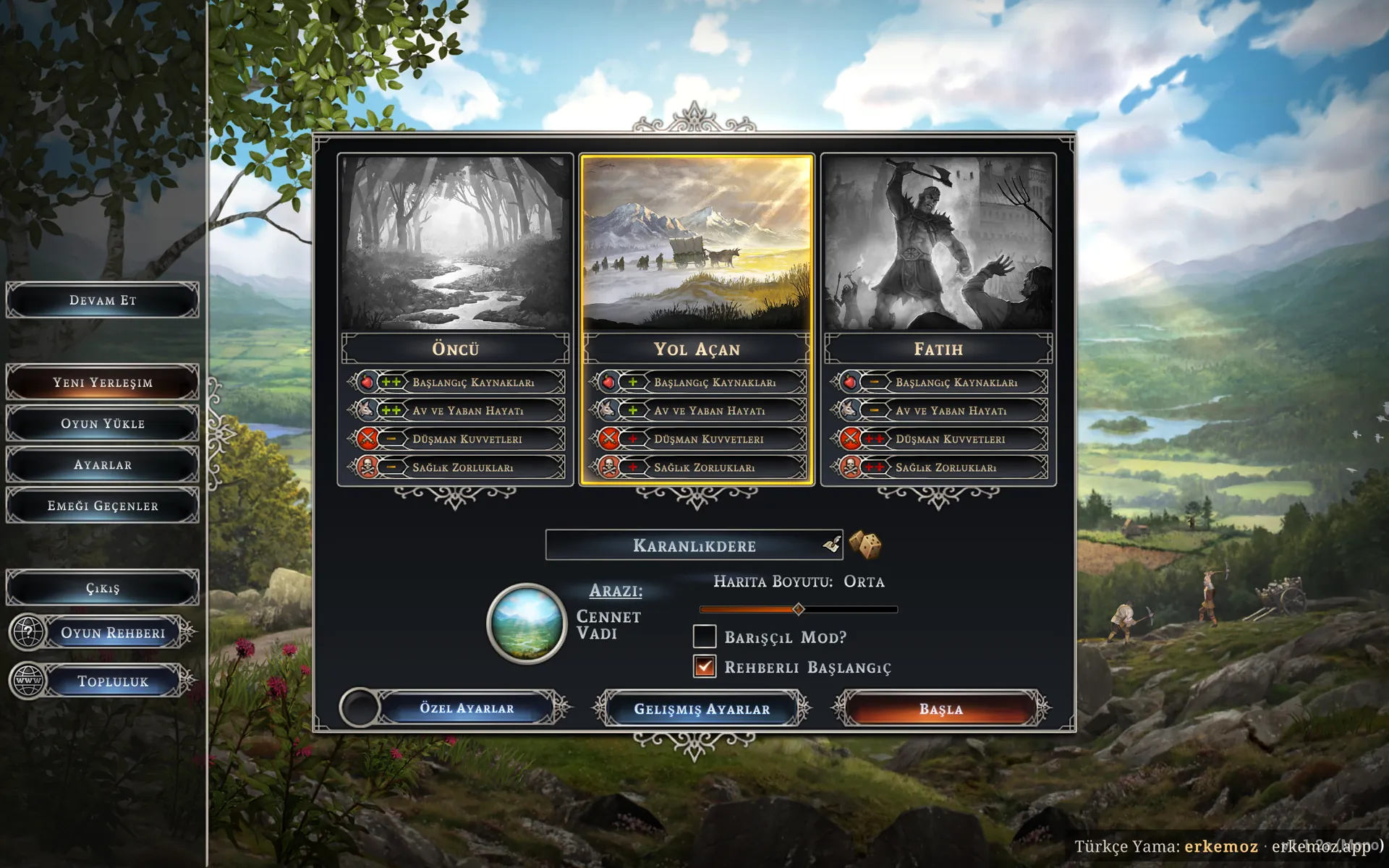
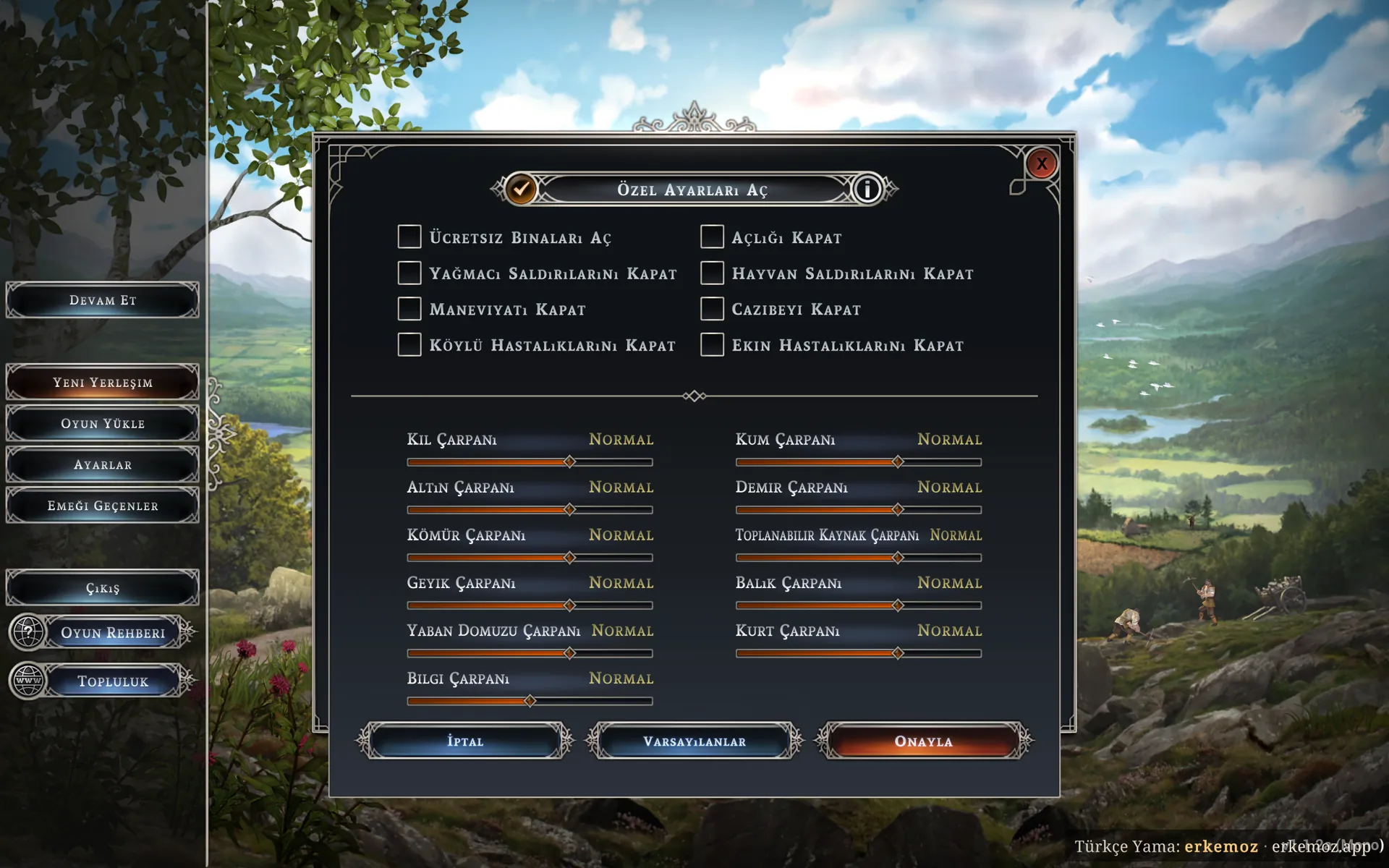
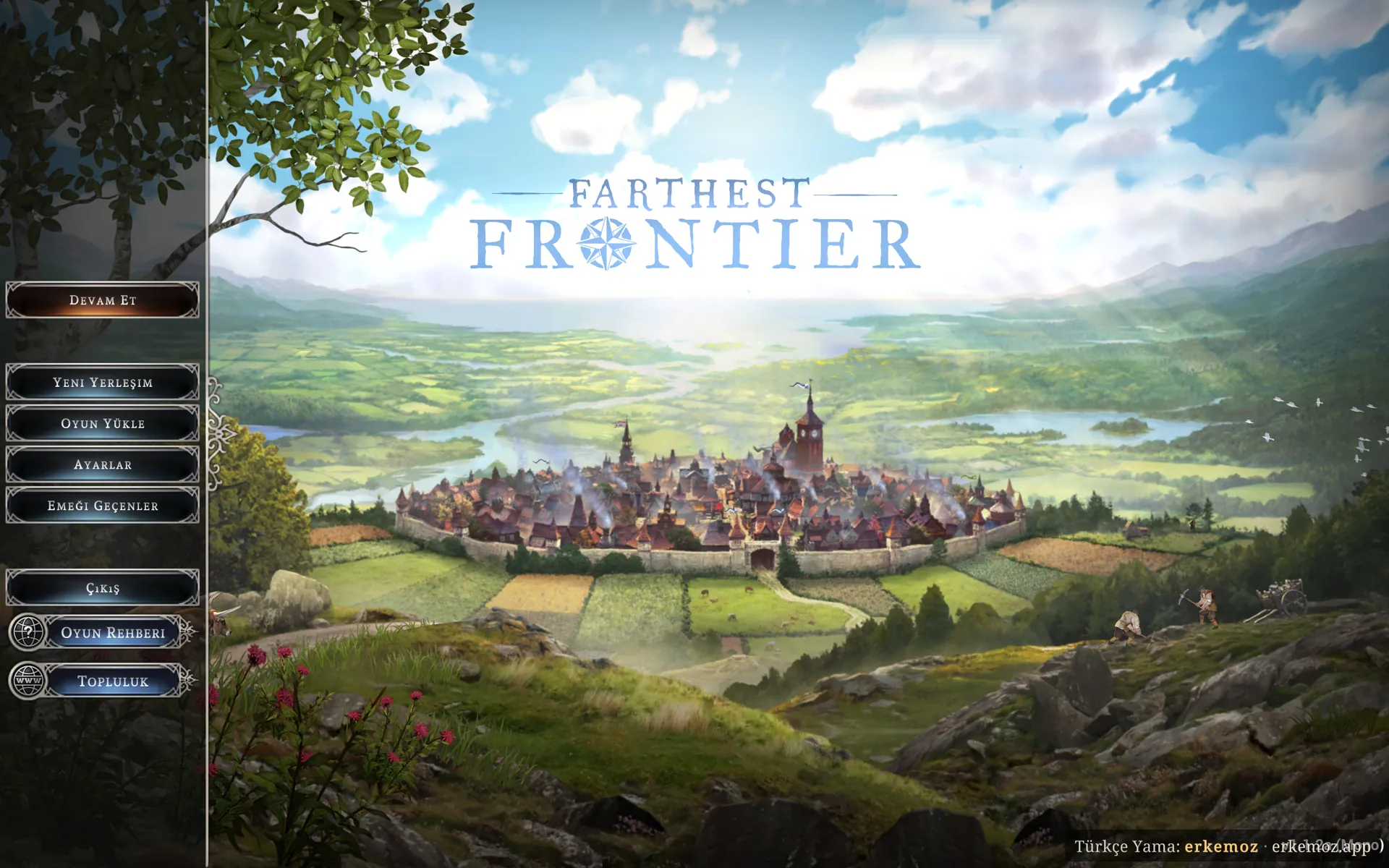
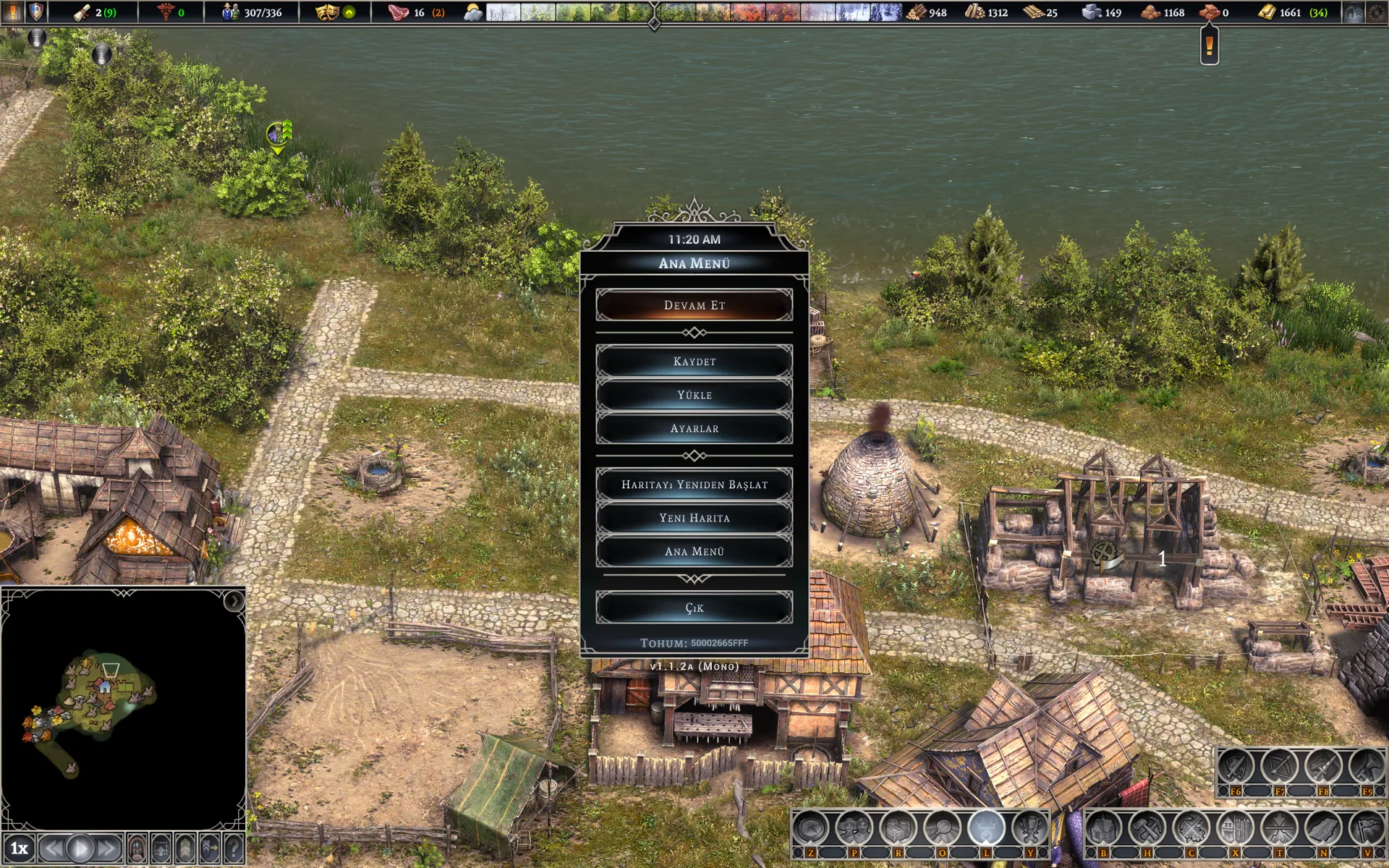
A free Turkish patch for Farthest Frontier. 5,988 texts are in Turkish, including menus, buildings, professions, items, reports, achievements and tips.

The patch is a MelonLoader mod for the game's Mono version. It swaps the texts for Turkish inside the game and adds fallback fonts so Turkish letters display correctly. It doesn't touch the game's own files.

At a glance

  • 5,988 texts in Turkish
  • Works with the game's Mono version
  • The game's language setting stays on English
  • Can be used together with the cheat panel

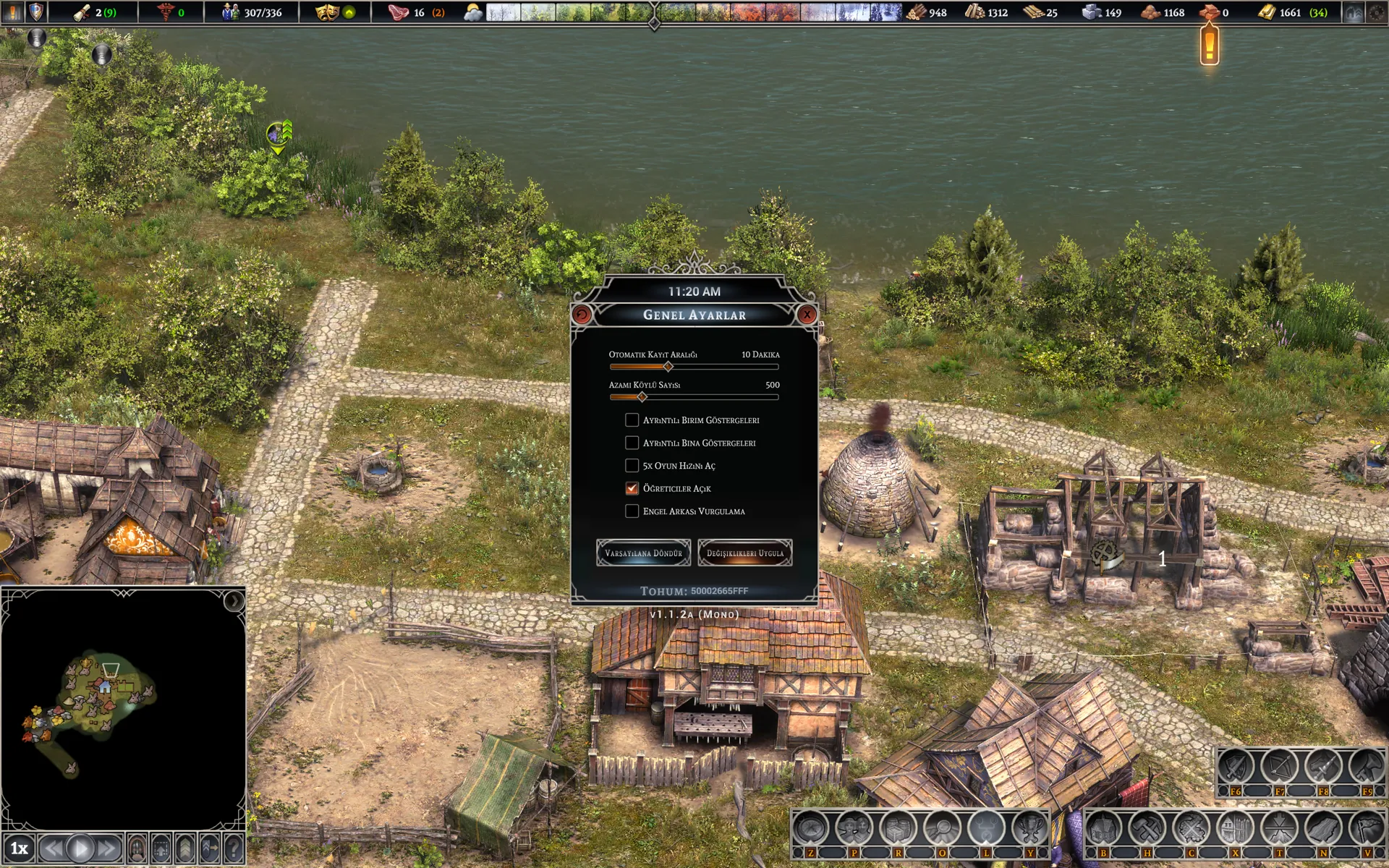
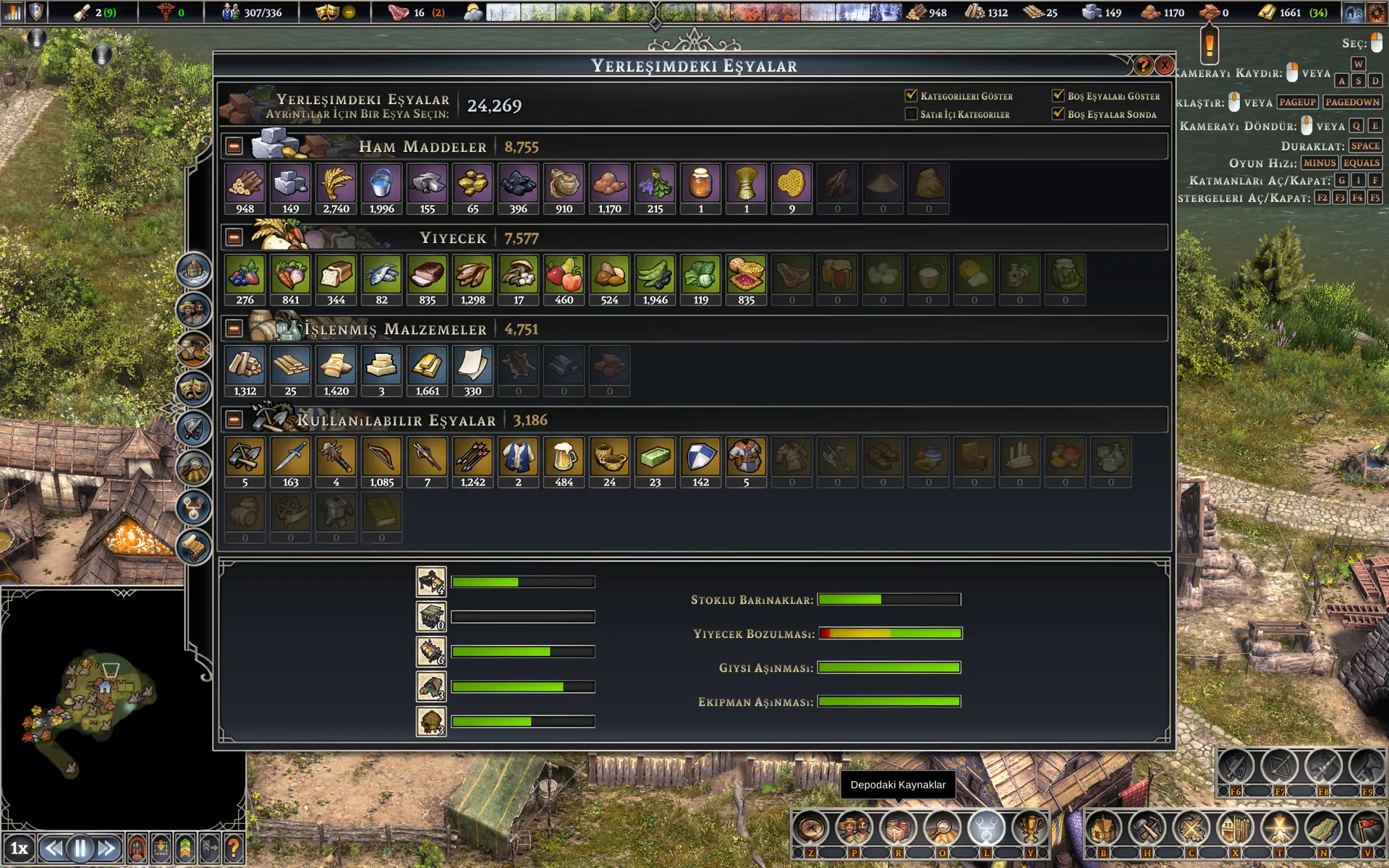
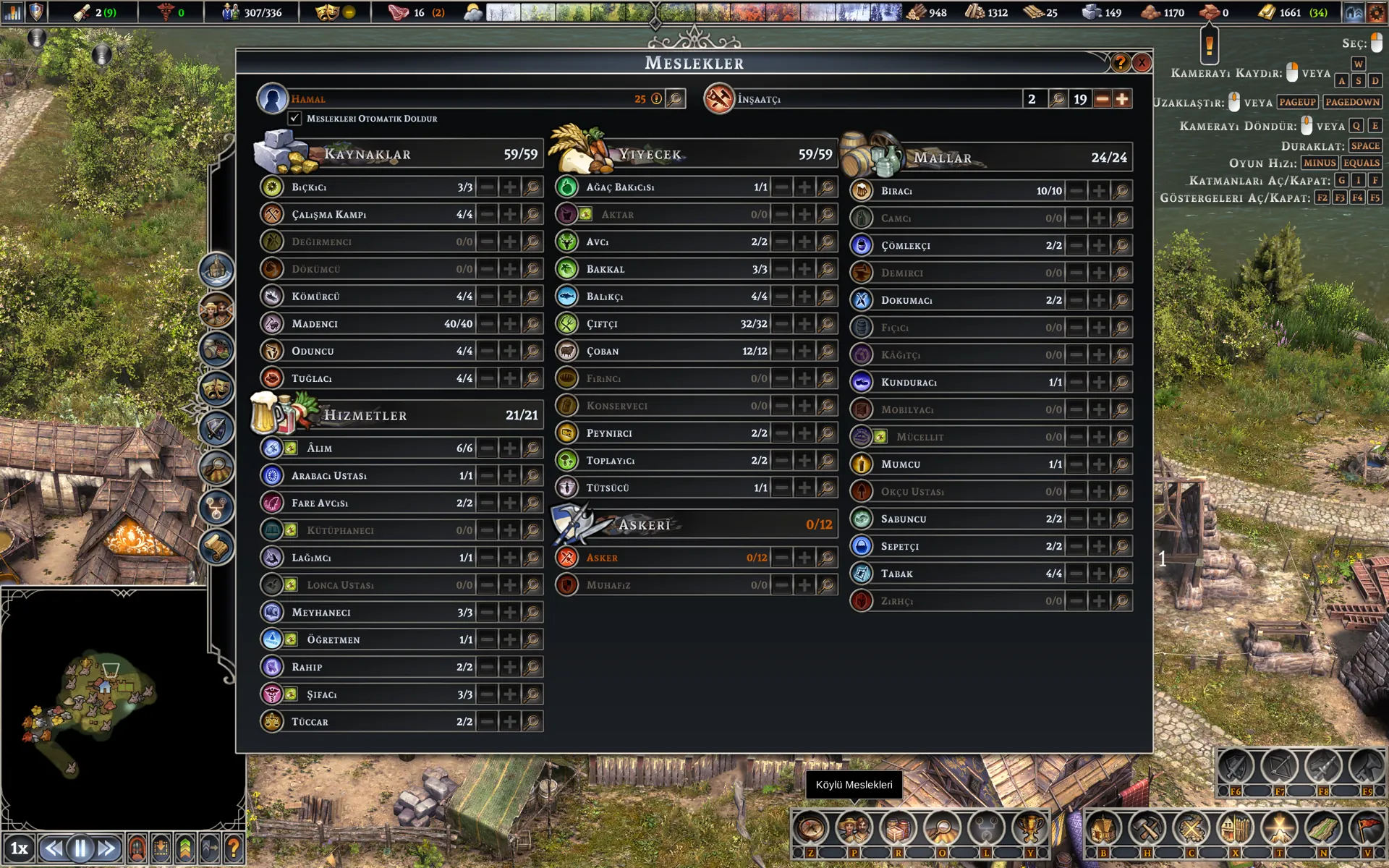
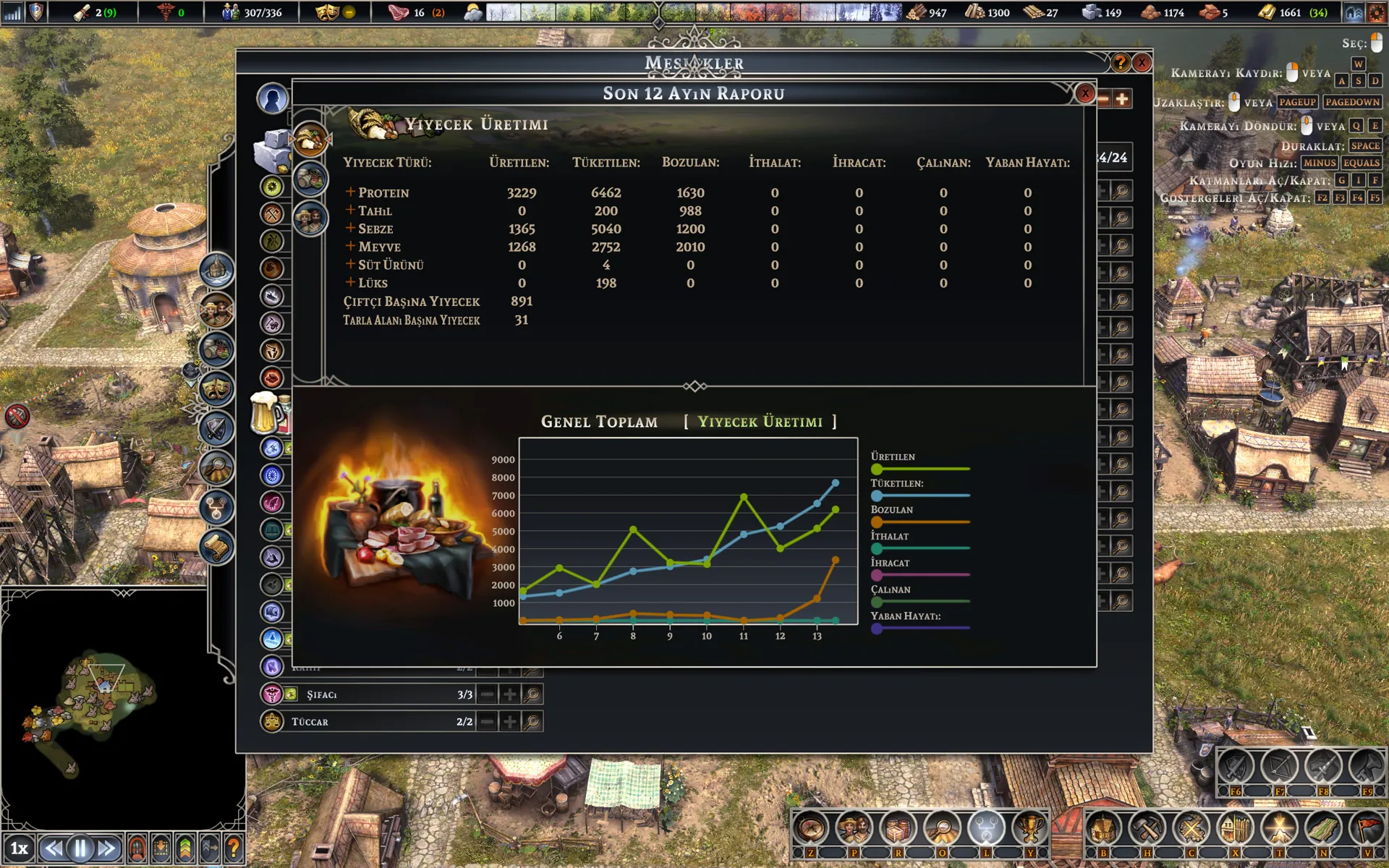
Screenshots

Captured in the game with the patch installed. Click to enlarge.

Easiest: with Erkemoz - Game Mods

  1. Download and install Erkemoz - Game Mods. It's free.
  2. It finds your Steam and Ubisoft Connect games by itself. In “Library”, click “Install” on the game's card.
  3. When a new version is out, an “Update” button appears on the card. Turn on “Install new patch versions automatically” in Settings and it updates by itself.
  4. If a game update breaks the patch, Game Mods sets it aside and reinstalls it once a compatible version is out.

With the installer (recommended)

  1. Click “Download installer” on this page and run the downloaded file.
  2. If Windows shows "Windows protected your PC" (SmartScreen), click "More info" → "Run anyway". This warning appears because the program isn't signed with a paid certificate yet.
  3. The installer finds the game folder by itself; if it can't, you pick the folder where the game is installed.
  4. Click Play in Steam and choose “Play Farthest Frontier (Mono)”.
  5. Keep the game language set to English; menus and text appear in Turkish.

Without the installer

  1. Download the zip from the “No-installer package (zip)” link and extract it to a folder.
  2. In Steam, right-click the game → Manage → Browse local files.
  3. In the folder that opens, go into the “Farthest Frontier (Mono)” folder.
  4. Copy the “Mods” folder from the package there. Result: Farthest Frontier (Mono)\Mods\FarthestFrontier_TR.dll

Frequently asked questions

The game still opens in English. Why?

Turkish only works in the game's Mono version. When you click Play in Steam, choose “Play Farthest Frontier (Mono)”; the regular version stays in English. The game's own language setting must be English.

Does the patch change the game's files?

No. The patch is added as a separate mod file and never touches the game's own files.

Can I use it together with the cheat panel?

Yes. The cheat panel is a separate mod; it works with or without the Turkish patch.

What happens when the game updates?

New text added by an update may appear in English until the patch is updated. New versions of the patch are published on this page.

Windows says “Windows protected your PC” when I open the installer. Is it safe?

Windows SmartScreen shows this warning because the installers aren't signed with a paid code-signing certificate. Click “More info → Run anyway”. If you like, compare the file's SHA-256 fingerprint with the one in the release notes on GitHub.

What's the easiest way to stay up to date?

Erkemoz - Game Mods. It installs new versions by itself; if a game update breaks a patch or panel, it sets it aside and reinstalls it once a compatible version is out. If you downloaded it manually from this page, check back here for new versions.

I found a bug or a missing translation. Where do I report it?

Write to [email protected]. A screenshot makes the problem easier to find; fixes are published in a new version.

Uninstalling

Remove it from the Programs list in Control Panel. If you installed without the installer, just delete FarthestFrontier_TR.dll from the Mods folder.

Good to know

  • The patches are free; they never connect to the internet, collect or send anything.
  • The patches are unofficial; games and their names belong to their owners. Play with your own copy of the game.
  • The patches and cheat panels were made and tested on the Steam versions of the games. If one doesn't work on another version such as Epic Games, GOG or Xbox / Game Pass, write to me and we'll look into it together.
  • Found a bug or a missing translation? Write to me: [email protected]

Find the tools useful?

They're free and will stay free. If one saved you some time, you can buy me a coffee — it helps keep new programs coming.
Buy me a coffee